How to Build a Budget Gaming PC in 2027
Building your first gaming PC on a budget? What to buy, where to save, how to put it together, and how to deal with the memory shortage pushing up prices.
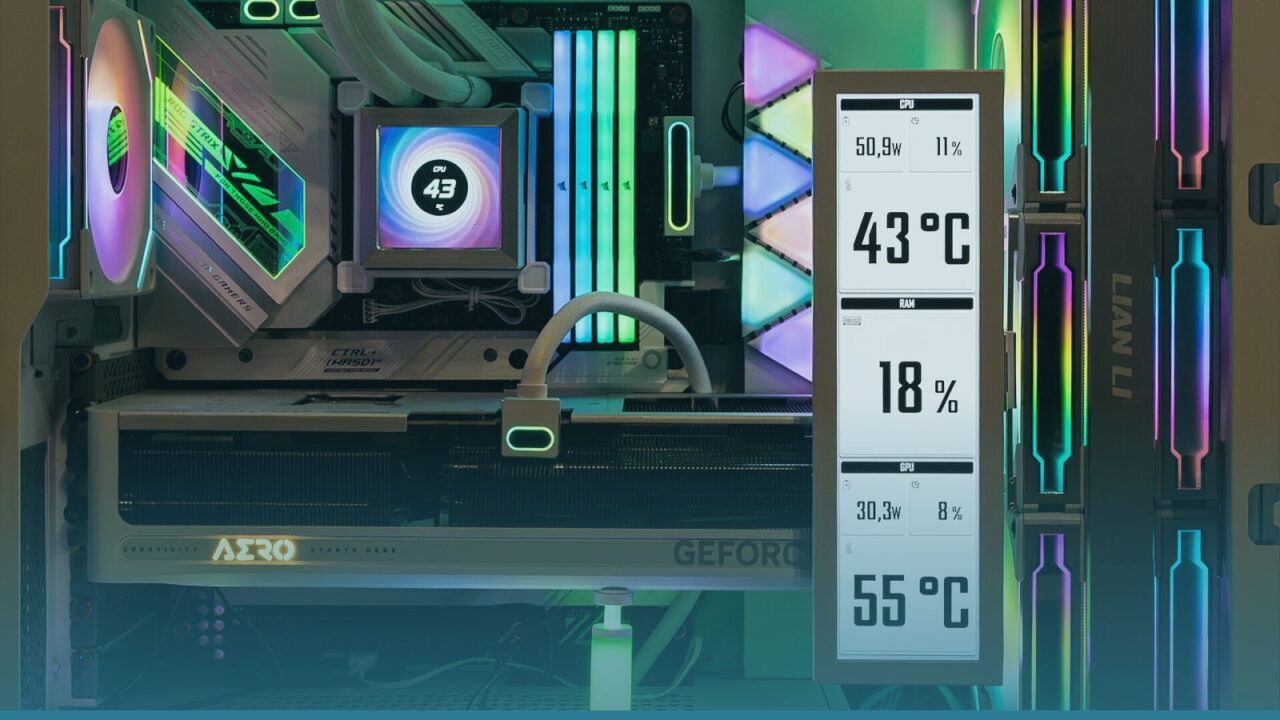
Building your own PC is one of the most satisfying things you can do as a gamer. You choose every part, you understand exactly what’s inside, and it’s easier than it looks: if you can build LEGO and follow instructions, you can build a PC.
There’s no point pretending 2026 was a good year to do it, though. A global shortage of memory chips, driven largely by demand from AI data centres, pushed up the price of RAM, SSDs and graphics cards dramatically. Budget builds cost noticeably more than they did a couple of years ago. That makes smart choices even more important. This guide covers what to buy, where to save, and how to put it all together.
Step 1: Decide what you want to play
Before buying anything, be honest about what you need.
- Esports and older games (Counter-Strike 2, Valorant, Fortnite, League of Legends): a modest PC runs these at high frame rates at 1080p.
- Modern AAA games at 1080p: you’ll need a capable current graphics card and at least 16GB of RAM.
- 1440p or 4K: this is no longer “budget”. Plan for a much bigger spend.
For most people, a 1080p gaming PC is the sweet spot, and that’s what this guide targets.
Step 2: Understand the parts
| Part | What it does | Budget advice |
|---|---|---|
| CPU (processor) | Runs the game logic and everything else | A current six-core chip is plenty for gaming |
| GPU (graphics card) | Draws the game on screen; the most important part for gaming | Spend the biggest share of your budget here |
| Motherboard | Connects everything together | A basic board is fine; don’t overspend |
| RAM (memory) | Short-term working memory | 16GB minimum, 32GB ideal if you can afford it |
| SSD (storage) | Stores games and Windows | 1TB NVMe; games are huge now |
| PSU (power supply) | Powers everything | Never cheap out; buy a reputable brand |
| Case | Holds it all | Good airflow matters more than looks |
Step 3: Choose your parts
Prices below are rough bands, since they changed constantly through 2026. Always compare current prices before buying.
Graphics card: where most of your money goes
For 1080p gaming, the current budget cards are:
- Intel Arc B580: often the cheapest current-generation card with 12GB of memory. Great value, though Intel’s drivers are still a bit less polished than its rivals’. Where to get it: Intel
- Nvidia GeForce RTX 5060: strong performance and access to DLSS upscaling, which helps a lot in demanding games. Its 8GB of memory is its main weakness. Where to get it: Nvidia
- AMD Radeon RX 9060 XT: available in 8GB and 16GB versions. The 16GB model is the safer long-term choice if the price is close. Where to get it: AMD
All three have been selling well above their launch prices in 2026, so watch for deals. A good used graphics card from the previous generation can also be excellent value, as long as you buy from a trusted seller.
Processor
A modern six-core CPU like the AMD Ryzen 5 7600 (on the AM5 platform) or an equivalent Intel Core i5 is more than enough for gaming at 1080p. AM5 has the advantage of a longer upgrade path, so you can drop in a faster CPU later without changing the motherboard.
Where to get it: AMD Ryzen 5 7600
On a very tight budget, older platforms like AMD’s AM4 (with a Ryzen 5 5600) are cheaper and still capable, though they use DDR4 memory and leave less room to upgrade.
Memory (RAM)
This is the part hit hardest by the shortage. 16GB of DDR5 is the realistic minimum for modern games, and 32GB is ideal if you can find it at a reasonable price. Buy a kit of two sticks (for example 2 x 8GB) so it runs in dual-channel mode, which is noticeably faster.
Storage
A 1TB NVMe SSD is the minimum today; many big games take 100GB or more each. You don’t need the fastest drive on the market: a mid-range model loads games almost as quickly.
Power supply
The power supply is the one part where cheap can be dangerous. Choose a well-reviewed model from a reputable brand, rated 80 Plus Bronze or better, with enough wattage for your graphics card (550W to 650W covers most budget builds). Check the GPU maker’s recommended wattage.
Motherboard and case
Pick a motherboard that matches your CPU’s socket (AM5, AM4 or Intel’s current socket) and has the features you need, like Wi-Fi if you can’t run a cable. For the case, prioritise airflow: mesh front panels and a couple of included fans keep everything cool and quiet.
Step 4: Check compatibility
Before you order, check that everything fits together:
- The CPU and motherboard use the same socket.
- The RAM type matches the motherboard (DDR5 or DDR4).
- The graphics card fits in the case (check the maximum GPU length).
- The power supply has enough wattage and the right connectors for your GPU.
Free tools like PCPartPicker check most of this automatically, and they can show prices from many stores.
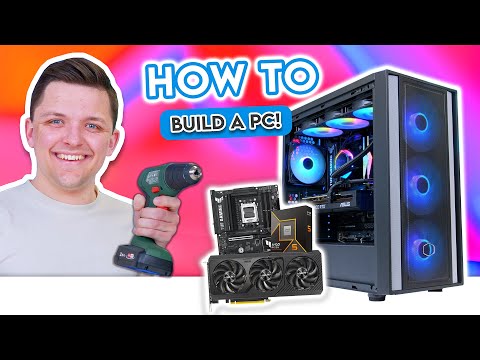
Step 5: Build it
Set aside two to three hours for your first build, on a clear table with good light.
- Install the CPU on the motherboard (outside the case). Line up the triangle marker, drop it in gently and close the lever. Never force it.
- Install the RAM in the slots your motherboard manual recommends for two sticks. Press until both clips click.
- Install the SSD in the motherboard’s M.2 slot and secure it with the screw or clip.
- Mount the CPU cooler. Many coolers come with thermal paste already applied.
- Install the motherboard in the case, after fitting the I/O shield if your board has a separate one.
- Install the power supply and connect the cables to the motherboard and CPU.
- Install the graphics card in the top PCIe slot and connect its power cables.
- Connect the case cables (power button, USB, fans) using the motherboard manual.
- Turn it on. If you see the motherboard’s setup screen, congratulations: it works.
YouTube has excellent step-by-step build videos if you prefer to watch someone do it first.
Step 6: Install Windows and drivers
Create a Windows installation USB stick on another computer using Microsoft’s free tool, install Windows, then download the latest drivers for your graphics card from Nvidia, AMD or Intel. Turn on your RAM’s XMP or EXPO profile in the motherboard settings so it runs at its advertised speed.
Ways to save money
- Reuse what you have. An old case, SSD or power supply (if it’s good quality) can lower the cost a lot.
- Buy the GPU used. It’s the most expensive part and often the best value second-hand.
- Start with 16GB of RAM. You can add more later when prices fall.
- Skip RGB lighting. It looks nice but adds cost.
- Watch for sales. Black Friday and other sales can bring real discounts on components.
Is building still worth it, or should I buy a console?
With PS5 and Switch 2 prices also rising in 2026, a budget gaming PC is still competitive, especially when you factor in cheaper PC games and free online play. But if you just want to plug something in and play, a console is simpler. If you want a portable option, see our Steam Deck vs Switch 2 vs ROG Ally comparison.
Frequently asked questions
Is it cheaper to build or buy a gaming PC?
Building is usually cheaper and lets you choose better parts, but prebuilt PCs sometimes go on sale at prices that are hard to beat, especially during the 2026 memory shortage. Compare both.
How long does it take to build a PC?
Two to three hours for a first build, including cable management. Experienced builders can do it in under an hour.
What’s the most important part for gaming?
The graphics card. Spend the biggest share of your budget there.
Got your PC running? Check out The Best Free-to-Play Games on PC to fill it with games.